Do my clients need an account?
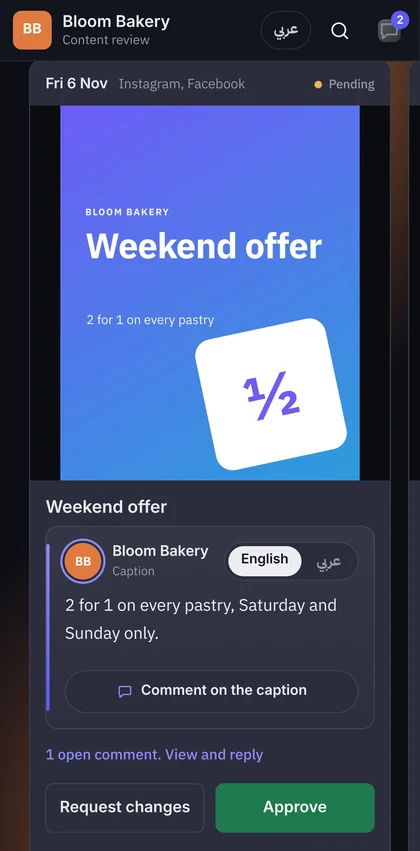
No. They open the review link you send them and can look right away. To comment or approve, they type their name and confirm their email once with a 6-digit code. No password, no app.
Can OkayPost change or delete our files?
No. Access is read-only, limited to the folders you choose, and you can disconnect it at any time. Two things to know: Box gives apps downloads only with its “write” permission, so Box asks for it, but OkayPost never writes there. And on Google Drive, “Starting fresh” makes one “OkayPost” folder for your designs, only when you choose it.
Where are our designs stored?
The originals stay in your own storage. We keep a smaller preview copy of each picture so review links open fast on any phone.
Do we need Google Drive or Dropbox?
No. You can upload designs and videos from your computer or phone. Uploaded videos are kept by OkayPost until you delete their post; connected storage stays read-only.
Which storage services work?
Google Drive, OneDrive and SharePoint, Dropbox and Box.
How much does it cost?
Every new workspace gets a 14-day free trial, no card needed. Agencies in our pilot keep using it free until plans are announced.
Do I need my IT team’s approval?
Not to get started: the calendar, approvals and emails need no IT setup. Connecting Google Drive, OneDrive, Box or Dropbox uses your own account. Some company accounts (Google Workspace, Microsoft 365) block outside apps, so an admin may need to allow OkayPost once. On Google Drive we only see the folders you share with us or pick, never your whole Drive.
Can clients draw on a design?
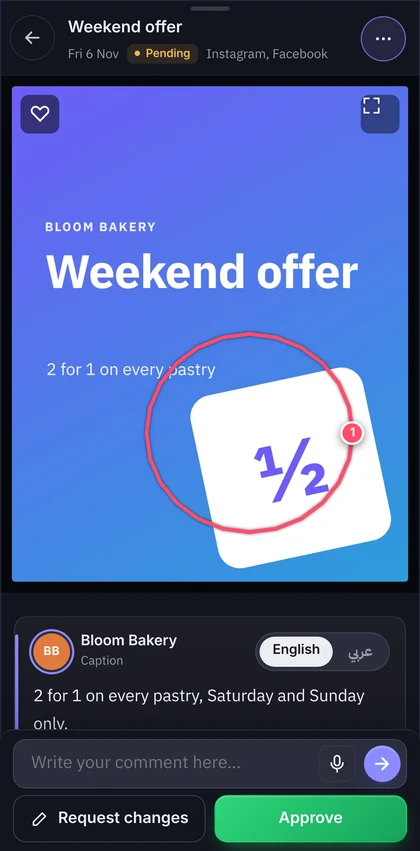
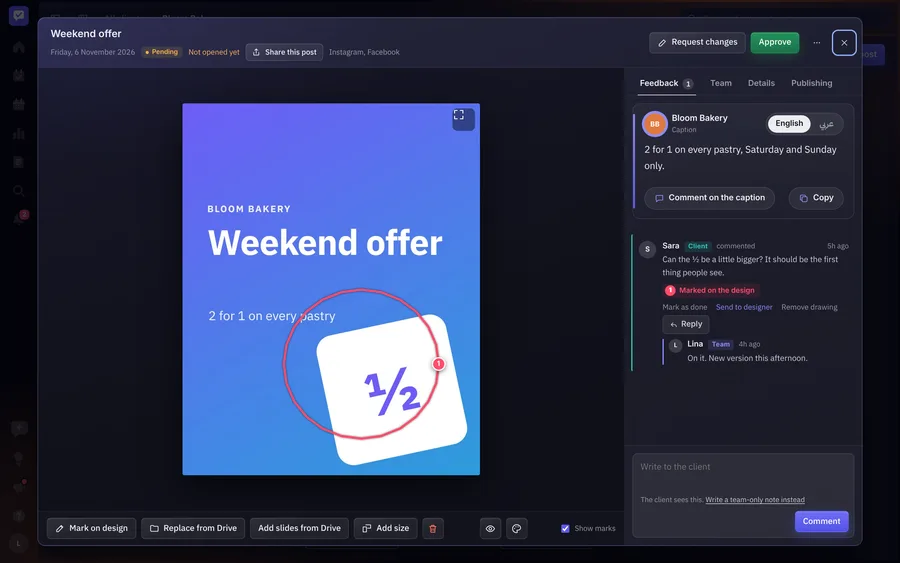
Yes. They tap the spot, circle what to change and write what they want, right on the design, from their phone.
How do clients know something is waiting?
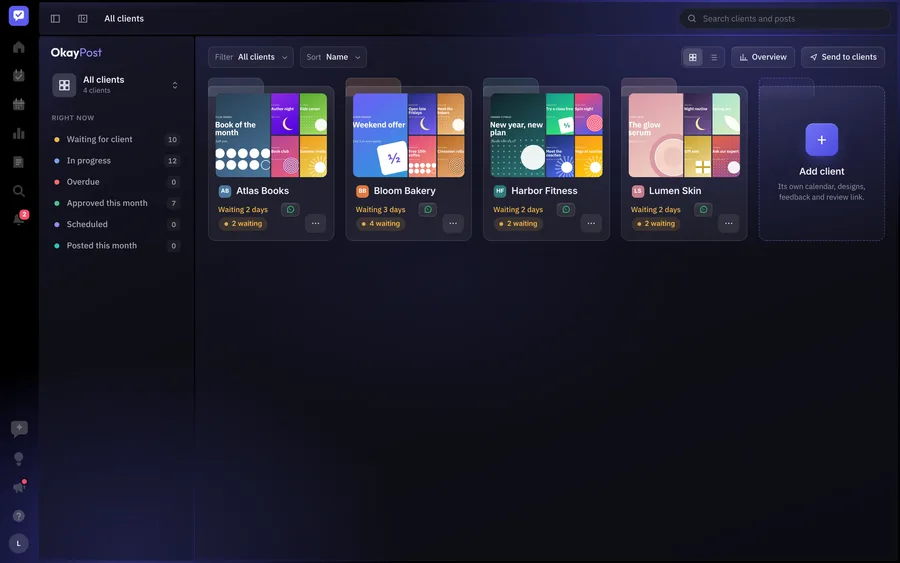
They get an email when you send posts for review, and you can send the link on WhatsApp in one tap. If a post waits more than two days, OkayPost reminds you to nudge them.
Can several people on the client’s side review?
Yes. Add their reviewers, in steps if you like: the second person sees a post once the first has approved it. Each confirms their email once.
Can the client approve the design and the caption apart?
Yes. They can approve each one on its own, or the whole post at once. A new design or caption asks for a new approval.
Is the review link in Arabic too?
Yes. The whole review link works in Arabic, right to left, and every post can carry an English and an Arabic caption.
Can the review link show our agency’s logo?
Yes. Add your logo, name and color in Branding, and clients see them on the review link. You can even use your own address for it.
Is there an app to install?
No. OkayPost runs in the browser on any phone or computer. Your team can add it to the home screen and get notifications on their phone.
Can I use OkayPost on my own, as a freelancer?
Yes. Pick “Just me, freelancing” when you start, and OkayPost hides everything only a team uses: invites, tasks for designers, time off. Your calendar, clients, review links and invoices stay. If you hire later, turn the team on in Settings › How you work.
Can I write different words for each platform?
Yes. One post holds every size, and under its caption you can write different words for any platform, each counted to that platform’s limit. Leave one empty and it uses the main caption. The preview shows each platform with its own words.
Can writers and accountants work in OkayPost too?
Yes. Invite a Content writer to write the captions for the clients they’re on, as drafts the account manager approves, and an Accountant who sees only invoices, quotations and payments. Each role sees only what’s theirs.
What happens when someone is away or leaves?
They pick who covers each of their clients while they’re on leave, and that person gets the client’s work and notifications until they’re back. When someone leaves the team, you hand each client to its own person, with their open tasks and drafts.
Can we take our data with us?
Yes. Export all data gives you one file with every client, post, comment and design. Deleting a client deletes its data from OkayPost.